
Make group work assessment fair, transparent, and scalable
.avif)
Everything you need to make
group evaluation work
With Group Member Evaluation you can
Enable flexible collaboration
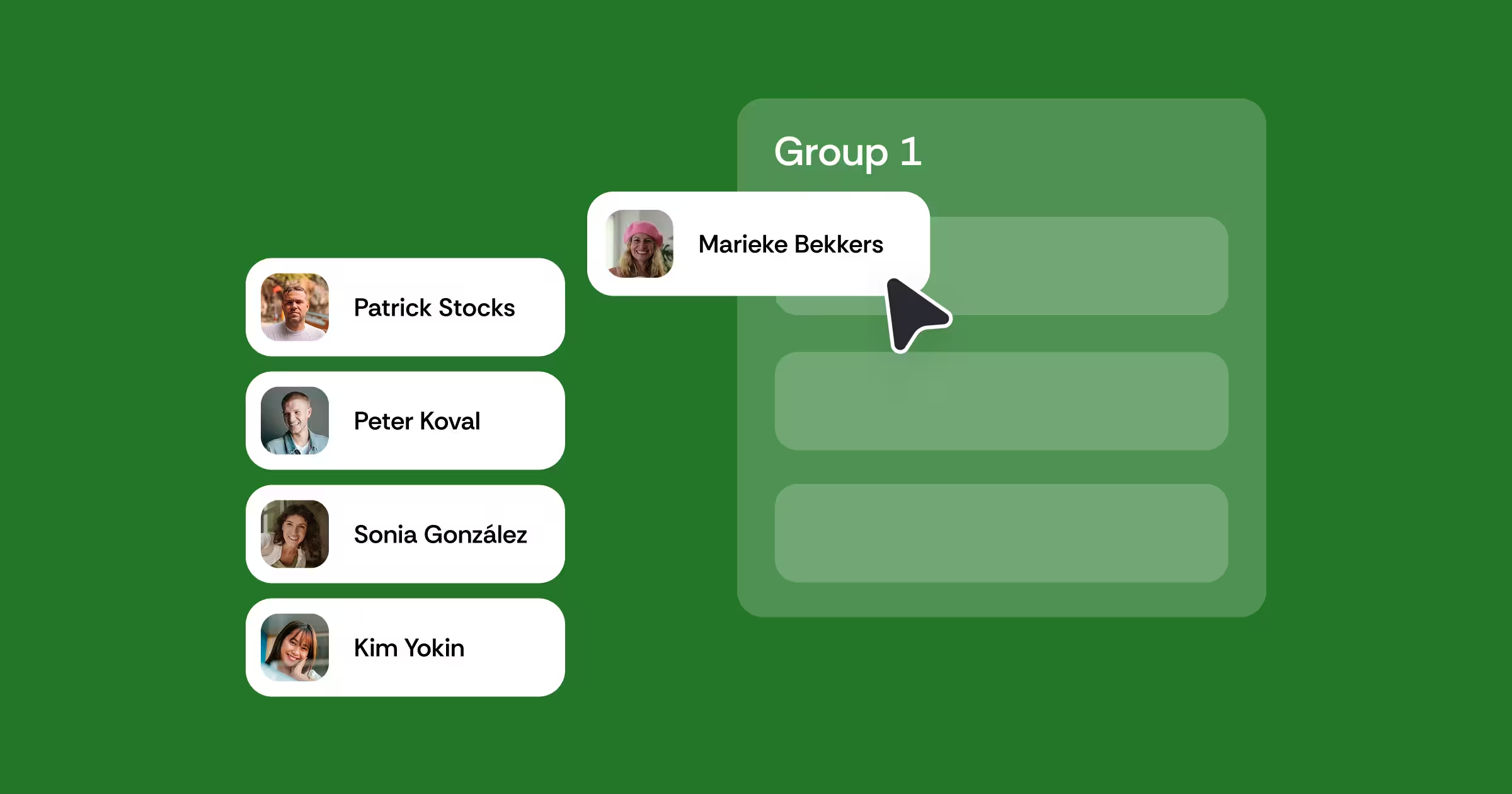
Run evaluations within a single team or across multiple teams, with rosters synced automatically from your LMS so there’s no manual setup required.
Build custom criteria and rubrics
Create evaluation criteria using rubrics, rating scales, yes/no questions, or open comments. Combine different question types to measure exactly what matters for your assignment.
Configure grading to fit each activity
Choose whether an evaluation is formative or summative, and control exactly how much each step contributes to the final grade.
Choose anonymous or attributed reviews
Decide whether evaluations are anonymous or attributed, depending on whether you want to encourage candid feedback or accountability.
Catch outliers automatically
Identify gaps between self-assessment and peer assessment to help surface free-riding, overlooked effort, or other patterns that need attention.
Use Feedback Coach
Give students real-time prompts while they write, helping them turn vague comments into specific, actionable feedback.
Learn how top institutions are transforming feedback through Group Member Evaluation








Make group work a learning experience,
not just a grade

For students
Learn to be accountable to
a team

For instructors
See what really happens inside
the group

For institutions
Build collaboration into the curriculum
See what better group assessment looks like in practice
Group assessment that goes beyond the group grade
Fairer group assessment starts with making individual contributions visible. Explore practical resources for designing group evaluations, building effective criteria, and helping students reflect on how they contribute to a team.
.avif)
From feedback to impact: Your guide to scalable, authentic assessment
Learn from real use cases and put it into practice with ready to use templates.

Transforming collaboration into fair assessment at scale: Falmouth University’s Games Academy's journey to authentic teamwork evaluation
Falmouth University’s Games Academy bridges education and industry through real studio teamwork, using FeedbackFruits to create fair, reflective, and authentic assessment at scale.
Build a complete feedback and assessment workflow
Group Member Evaluation
Structured feedback on team member contributions


LMS-integrated

Secure and compliant

24/5 human support
See Group Member Evaluation inside your LMS
Prefer to start with a pilot? We have a limited number of pilot slots
open for next semester.

Frequently asked questions
How does Group Member Evaluation prevent unfair grading in group work?
Customizable rubrics, scales, and qualitative criteria give students a structured framework, while two automated grading methods, Group Contribution Factor and Group Skill Factor, remove manual guesswork for instructors. Learn more here
Can students evaluate their own contribution as well as their peers?
Yes. Instructors can toggle self-assessment on, so students rate themselves against the same criteria they use for teammates. Learn more here
How does outlier detection work in Group Member Evaluation?
Outlier detection becomes available once self-assessment is enabled and each student reviews at least four peers. Once enabled, outlier detection flags patterns like self-promoter or overconfidence by comparing a student's self assessment against how peers rated them and how they rated others. Two more patterns, underconfident and tension, cover students who rate themselves too critically and teams whose ratings disagree sharply. Learn more here
Do groups need to be set up manually for Group Member Evaluation?
No. Groups sync directly from the LMS so setup takes seconds. You can also create more balanced and customized groups by using our Group Formation tool that also syncs directly into your Group Member Evaluation activity. Learn more here
Can students respond to and rate the feedback they receive in Group Member Evaluation?
Yes. A Feedback-on-Feedback option lets students rate the usefulness of the feedback they received on a 1 to 10 scale. Learn more here


%201.svg)