
Build balanced student groups without the manual work

Everything you need to make
group formation work
With Group Formation you can
Set custom grouping criteria
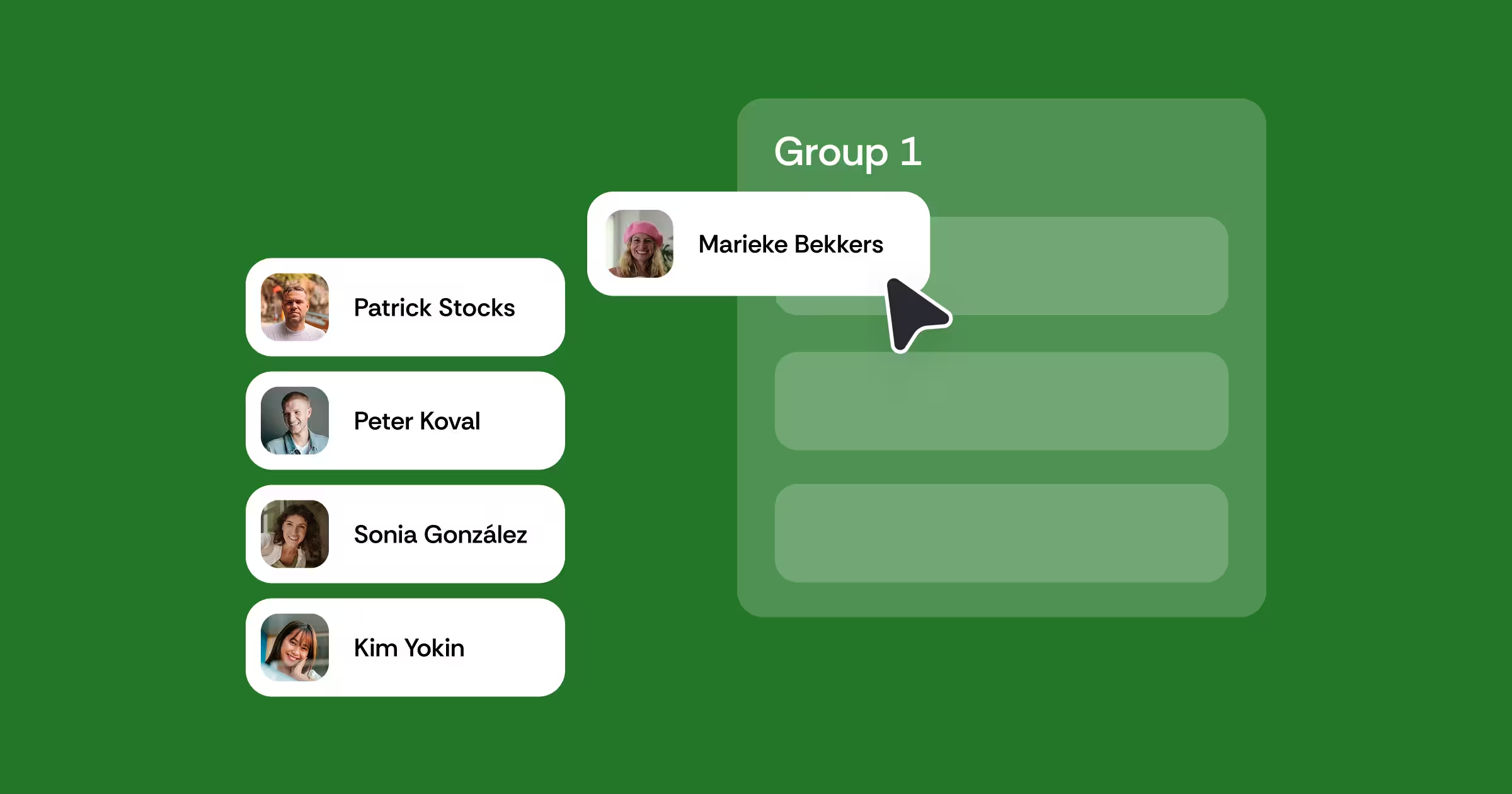
Group students by predefined attributes, stated preferences, or answers to your own custom questions, so every team is formed around what matters for the assignment.
Build balanced, diverse teams
Automatically distribute skills, experience, and other criteria across groups, so no team ends up with all the strengths or all the challenges.
Publish groups straight to the LMS
Once groups are finalized, sync them directly to your LMS so students can start collaborating right away.
Make one-click adjustments
Move students between groups without rebuilding the entire set, making it easy to handle last-minute changes.
Add built-in self-reflection
Give students opportunities to reflect on their own contribution and review their teammates as part of the group learning experience.
Design groups to be inclusive by default
Create group compositions that support participation and give every student a meaningful opportunity to contribute.
Learn how top institutions are transforming feedback through Group Formation


Turn forming groups into a better experience for everyone

For students
Learn with different perspectives

For instructors
Spend less time managing logistics

For institutions
Make collaborative learning more intentional
See what better group formation looks like in practice
Group work that starts with the right teams
Better collaboration starts with better group formation. Explore practical resources for creating balanced student groups, choosing meaningful grouping criteria, and designing collaborative learning experiences that help every student contribute.
Feedback for learning: A comprehensive guide
This ebook provides essential insights into feedback for learning and fool-proof strategies to elevate the feedback practice.

Build a complete feedback and assessment workflow
Group Formation
Form groups with custom criteria


LMS-integrated

Secure and compliant

24/5 human support
See Group Formation
inside your LMS
Prefer to start with a pilot? We have a limited number of pilot slots open for next semester.

Frequently asked questions
How does Group Formation decide who goes in each group?
Instructors run a short survey on skills, availability, working preferences, roles or a customized question. The algorithm builds a compatibility score between every pair of students and searches for the best matching groups, based on whether the instructor wants similar or complementary students grouped together. Learn more here
Can Group Formation criteria be reused across multiple courses?
Yes. Shared question templates let departments keep the group formation process consistent from course to course. Learn more here
Do groups need to be published to my LMS manually?
No. Groups publish directly to Canvas, Brightspace, Moodle, and Blackboard with one click from inside the activity. Learn more here
Can the groups created with Group Formation be reused in other FeedbackFruits tools?
Yes. Groups created in Group Formation carry over into other FeedbackFruits tools such as Group Member Evaluation, Team Based Learning, and Interactive Document, or can be published to the LMS for any other assignment outside FeedbackFruits. Learn more here
Is Group Formation built for any class size?
Yes. It works for any cohort size and course type involving group or team based work, across disciplines. Learn more here


%201.svg)